Migrate to .NET 10, Quill editor HTML Field - This week in Orchard (28/11/2025)
The topics for this week include migrating Orchard Core to .NET 10 and adding documentation for the Menu tag helper and Liquid shape rendering. See a demo of how you can utilize the upcoming Quill editor type for the HTML Field!
Orchard Core updates
Add documentation for the Menu tag helper and Liquid shape rendering
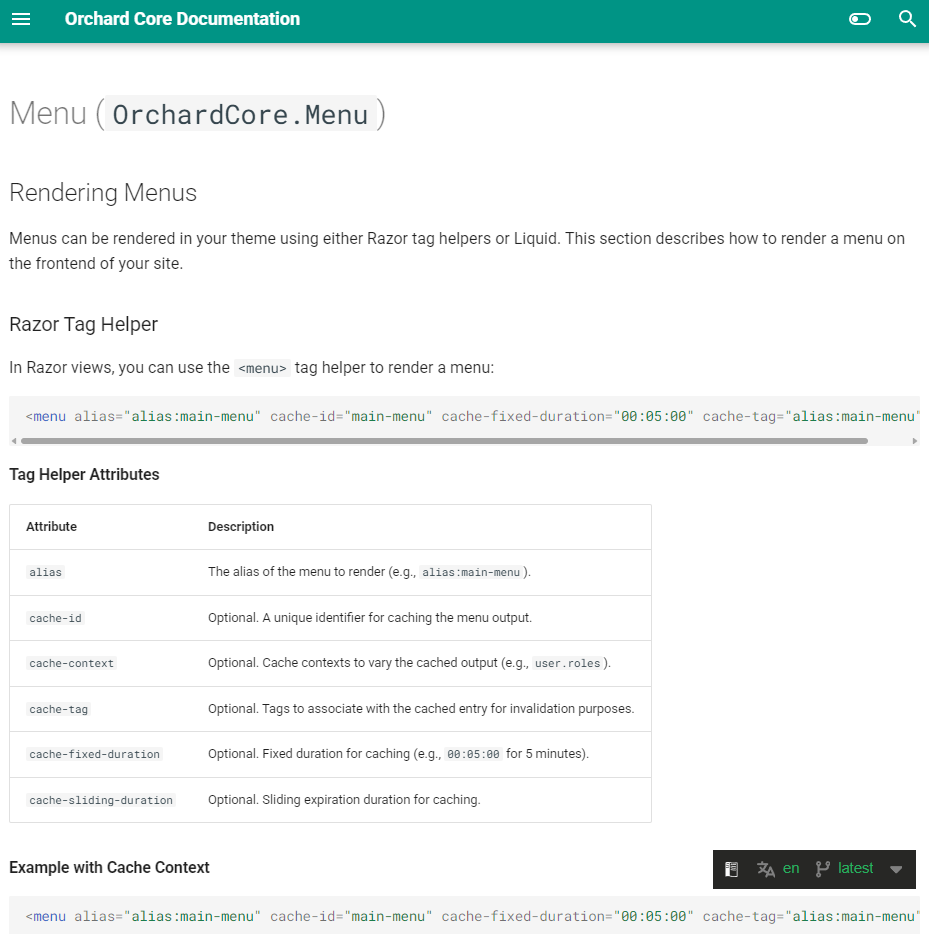
If someone files a good issue, meaning it was described correctly with the necessary details, we can ask Copilot to implement it. In this case, Copilot generated the documentation in the suggested location, and it rendered a screenshot of what the documentation will look like once the change is merged. And finally, it updated the pull request with the final result. So, we have an idea of what the change will look like after we merge the pull request.
The original issue was that the Menu tag helper isn't documented, and there is no example of how menus can be rendered. As you can see, there is now a new Rendering Menus section in the documentation that describes how you can use Razor tag helpers or Liquid to render a menu on the frontend of your site. You can also find caching examples for both approaches, including cache-context examples for role-based menu variations.
Migrate to .NET 10
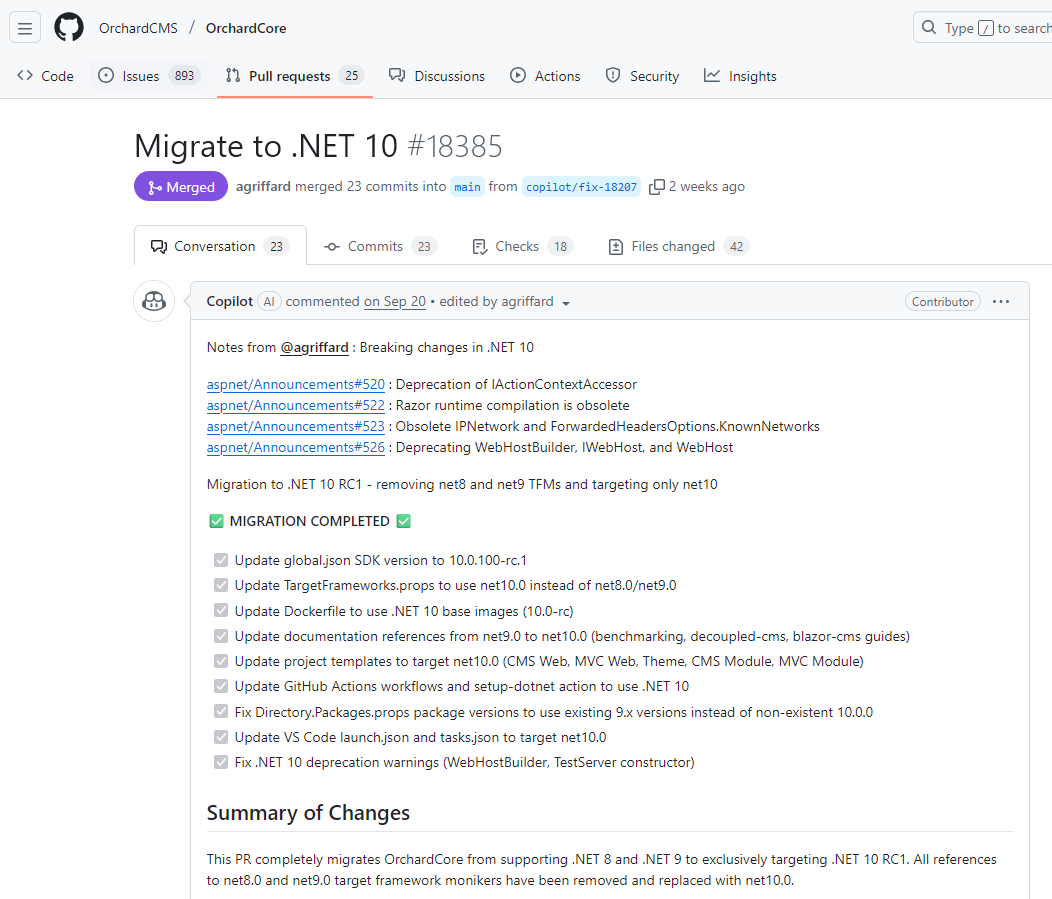
Microsoft released .NET 10 on November 11, and from now on, you will need to have .NET 10 to build Orchard Core 3.0.0 because Orchard Core 3.0.0 requires .NET 10.0. Please ensure that your development environment and hosting infrastructure are compatible with this version of .NET before proceeding with the upgrade for this upcoming version.
A few weeks ago, there was a discussion on GitHub about when we should start dropping support for older .NET versions. Today, you can use Orchard Core 2.2.1 with .NET 8 or .NET 9 because we wanted to support both the latest version and an LTS one. This was because LTS would be supported even after the current STS. Recently, this is not the case anymore: cf. https://endoflife.date/dotnet
But from now on, you have to use the latest .NET version to be able to work with Orchard Core. It should not be an issue, and at the conference, no one said they had a problem with it. It means you can now use .NET 10 features if you want, and we can remove all the IF conditions. Don't forget to install Visual Studio 2026 (if you are using this IDE) to enjoy these new features and improvements. Here you can check out the release notes on what's new.
Demos
Quill editor HTML Field
In this demo, you can see the HTML editor created using Quill JS. You can find an in-development version of the Quill editor in this repository, developed by Alcwyn Parker.
First, we cloned this repository and added the module to our Orchard Core solution. When it was done, we navigated to Tools -> Features and enabled the Quill Editor feature. For demo purposes, we created a sample content type called QuillJSEditorDemo under Design -> Content Definition -> Content Types and attached two HTML Fields to it. Let's edit the definition of one of the HTML Fields and set the editor type to Quill.
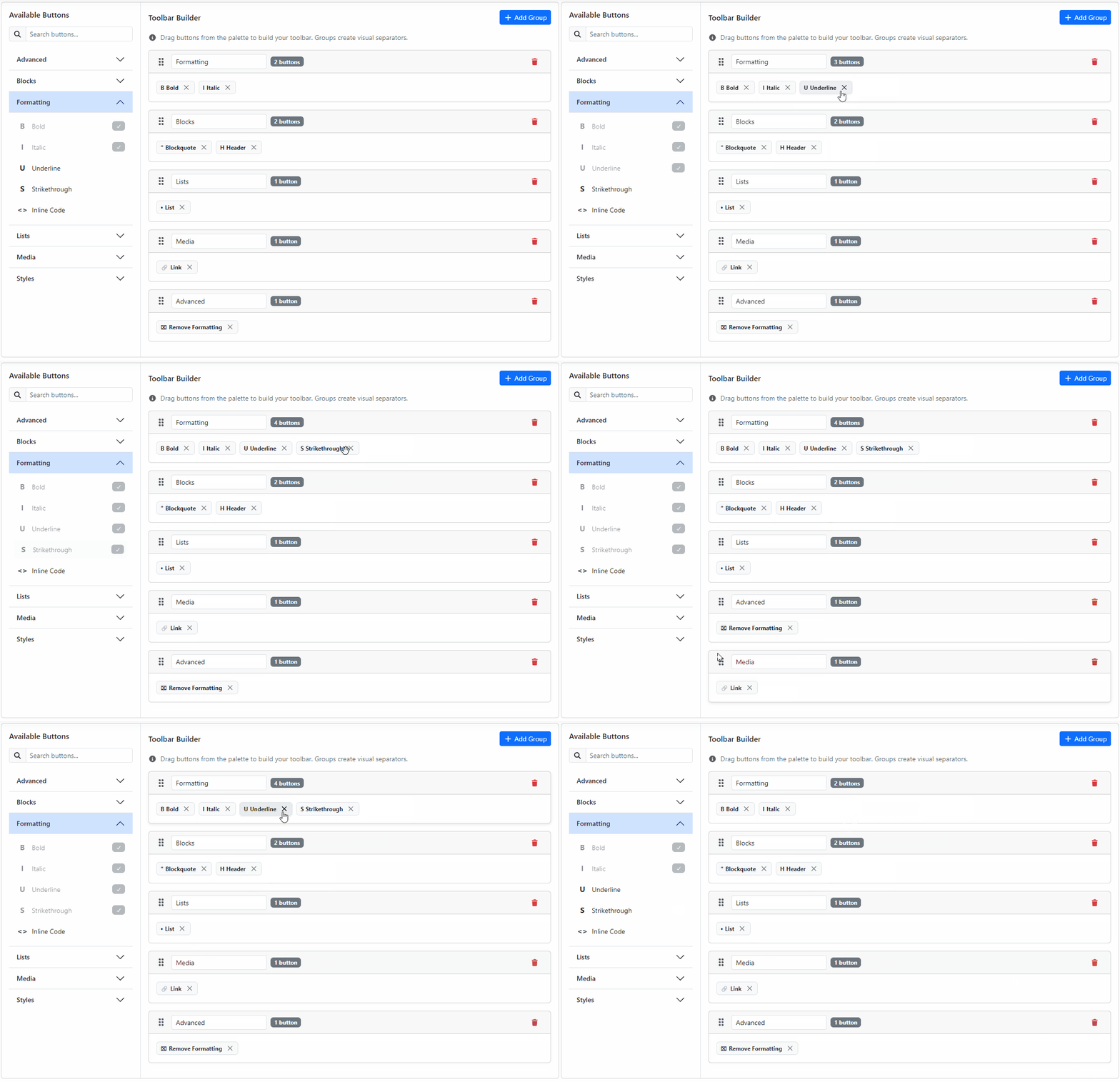
As you can see, a new UI appears here that lets you set up the toolbar. You can move things around using drag and drop, remove various items just by clicking on the X button near each element, and also rename the groups to build up your menu.
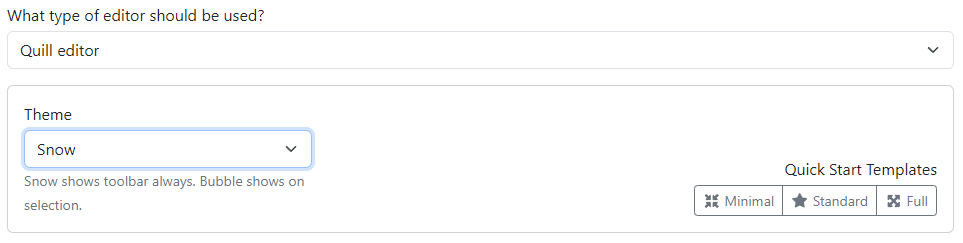
You can also choose from some different templates to start with. You can select the Minimal template, which gives you three toolbar buttons: Bold, Italic, and Link. If you choose the Standard template, you will get most of the styling stuff. And the template called Full gives you some of the more complex buttons, like using images from the Media Library.
You can also choose from two themes. The one called Snow is the "casual" one, meaning you will see the toolbar at the top of your HTML Field editor. The other is called Bubble. When you select a text when editing the content of the HTML Field, you get a pop-up that you can use to apply formatting to the selected text.
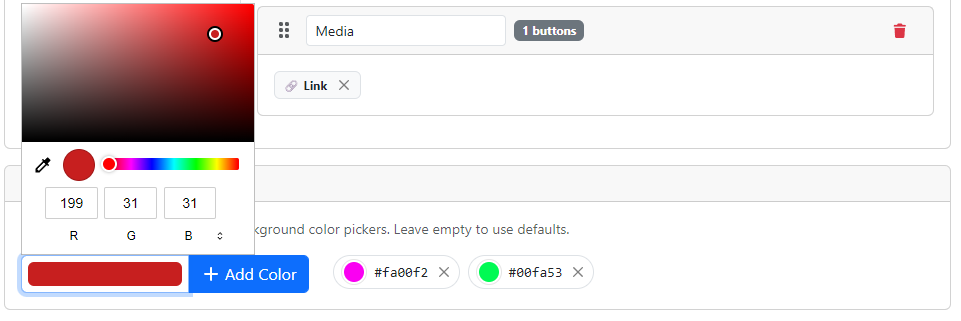
At the bottom of the page, you can find a section called Custom Color Palette. By using this, you can define custom colors for the text and background color pickers. By adding your colors here, you can easily override the default colors available for the users to choose from.
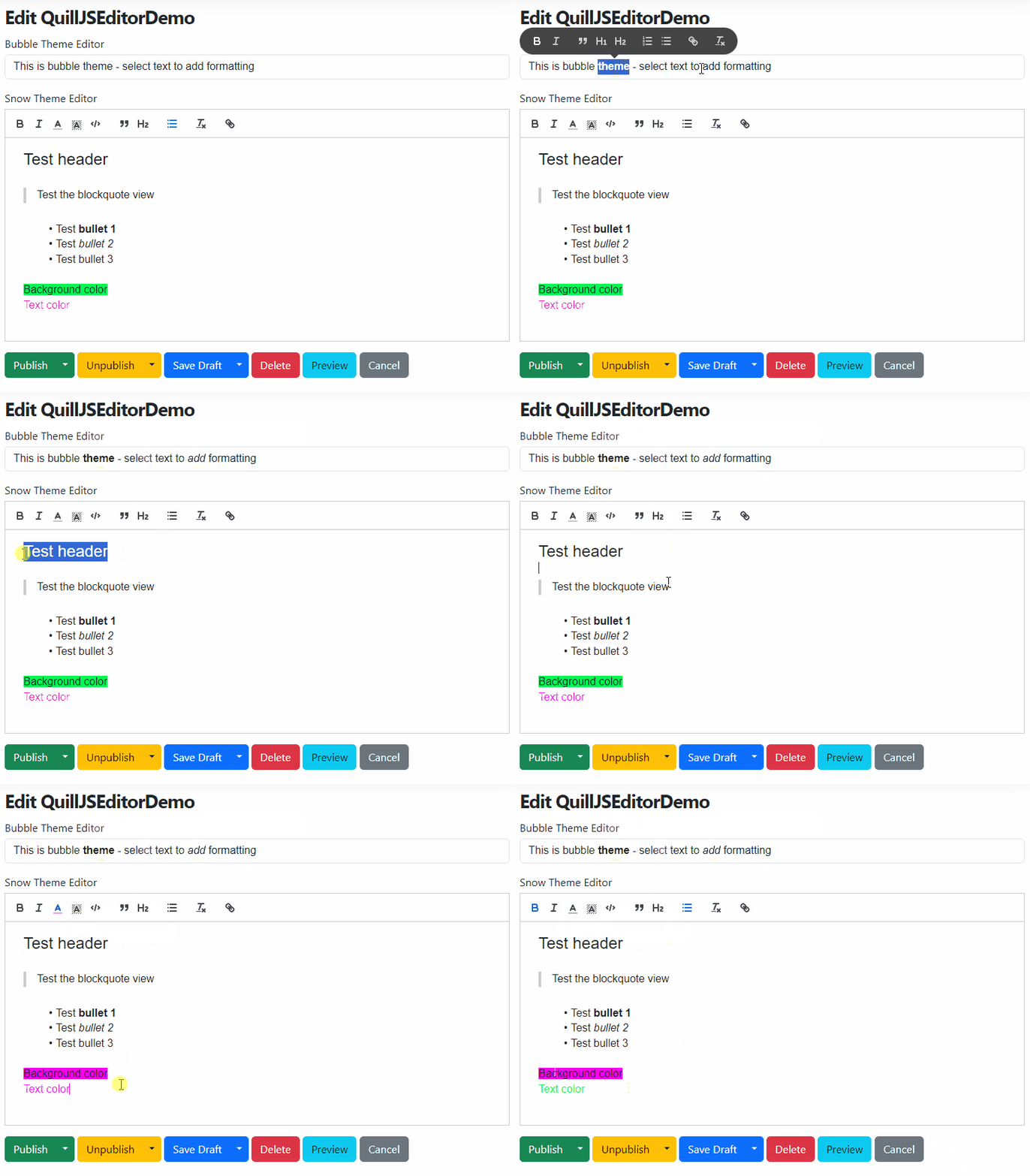
OK, now it's time to see what the editor for our QuillJSEditorDemo content type will look like after we played a bit with the settings here! As we mentioned, we have two HTML Fields. For the first one, we used the Bubble theme. Once you select a text, the toolbar we defined in the editor will appear, and you can customize the selected text.
In the Snow theme editor, you can see the toolbar at the top. And when you set the background or text color of the selected text, you can only choose from the colors defined in our Custom Color Palette.
And that's not all of it! If you want to see more what can you achieve using the Quill editor type for the HTML Field, head to YouTube for a demo!
News from the community
Orchard Dojo Newsletter
Lombiq's Orchard Dojo Newsletter has 435 subscribers! We have started this newsletter to keep the community around Orchard informed about the latest news on the platform. By subscribing to this newsletter, you will receive an email whenever a new post is published to Orchard Dojo, including 'This Week in Orchard', of course.
Do you know of other Orchard enthusiasts who would like to read our weekly articles? Tell them to subscribe here!